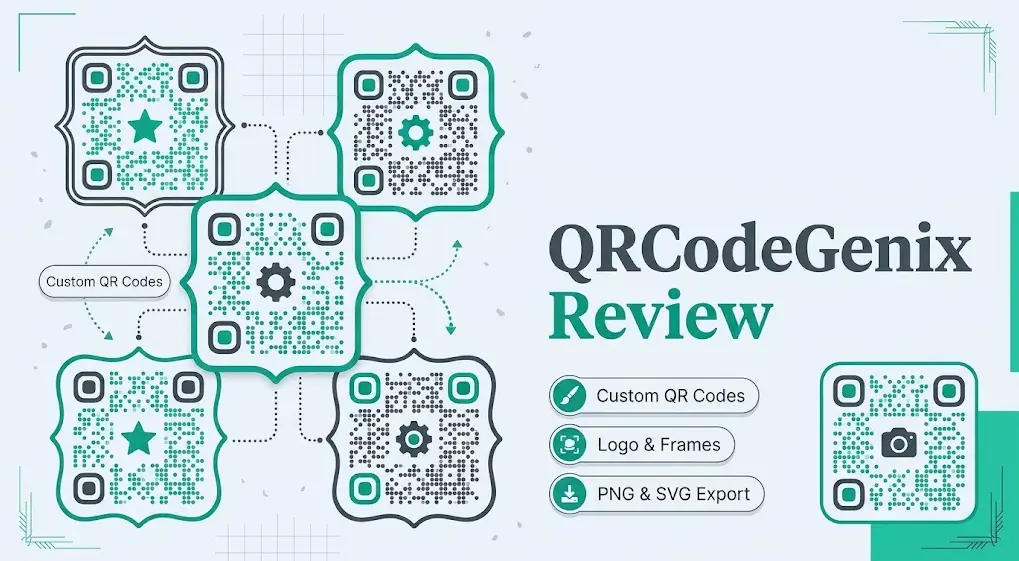
Creating a clean, scannable QR code should not require expensive subscriptions, forced sign-ups, or uploading sensitive data to a remote server. QRCodeGenix is a free, browser-based QR code generator and utility studio built to help you create, customize, and export QR codes right inside your browser in seconds.
Whether you want to share a website link, Wi-Fi password, WhatsApp chat, contact card, location, or plain text, having a fast and easy tool makes sharing information much smoother for everyday tasks, business cards, flyers, and digital campaigns.
What Is QRCodeGenix?
QRCodeGenix is a web-based QR code studio designed for speed, privacy, and everyday convenience. All rendering happens locally in your browser using client-side APIs, so you do not need to create an account or wait on server queues to generate static QR codes.
From a quick live preview and quality check to multiple export formats and related QR utilities, it brings everything together in a clean interface that works smoothly on both desktop and mobile browsers.
Supported QR Code Types & Core Tools
On QRCodeGenix, you can pick from 9 core QR types right in the generator—and also access dedicated tools and resources across the site:
- 9 Built-In QR Types: Create QR codes for URL / Link, Plain Text, WhatsApp, Email, Phone, SMS, Contact (vCard), Google Maps, and Wi-Fi Network.
- QR Code Scanner & Dedicated Tool Pages: Explore additional tools such as a QR Code Scanner, dedicated pages for WiFi, WhatsApp, SMS, vCard, and Google Maps QRs, plus a Batch QR Generator and QR Code Templates.
- Guides & Browser Architecture Info: Helpful resources like the QR Code Guide and Browser Architecture details explain how local generation works and how to get reliable scans.
Customization, Quality & Export Features
Instead of settling for a basic black-and-white square, QRCodeGenix gives you practical controls to style your code while keeping it easy to scan:
- Colors & Palettes: Pick from ready palettes (such as Classic Deep Blue, Emerald, Royal Purple, Crimson, or Dark Slate) or set custom foreground and background colors, including transparent backgrounds.
- Logo & Frame Options: Upload a center logo or icon (PNG, SVG, or JPG up to 3MB) and choose from frames and call-to-action borders—such as Frameless, Bottom Badge, Classic Pill CTA, Top Badge, Header Banner, Polaroid Card, Card Frame, Rounded Border, Soft Outer Frame, Open Frame, or Tech Corner Brackets.
- Size, Margin & Error Correction: Choose export sizes from 256px up to 2048px (with 512px as default), adjust quiet zone/margin modules, and pick error correction levels (L, M, Q, or H) along with a live QR quality estimate.
- Multiple Export & Share Actions: Download in PNG, SVG, JPG, or WebP with no watermarks on free static QR codes, or copy text/image, print, and share directly.
How to Create a QR Code in 3 Simple Steps
- 1. Choose Your QR Type & Enter Content: Select the format you need—such as a website URL, Wi-Fi login, WhatsApp chat, or contact card—and enter your details.
- 2. Customize & Check Live Preview: Adjust colors, frames, margins, error correction, or an optional logo while watching the live preview and quality feedback.
- 3. Download or Share: Export high-resolution PNG/JPG/WebP or scalable SVG files for screens or print, or copy/print your code right away.
Tips for Reliable QR Code Scanning
- Maintain Strong Contrast: Keep dark elements clearly distinct from the background so smartphone cameras scan quickly and accurately.
- Use Higher Error Correction When Adding a Logo: If you place a logo in the center, choose a higher error correction level so the code stays scannable even if part of the pattern is covered.
- Keep Quiet Zone & Test Before Printing: Preserve clean outer margin space and test your QR code on a real phone camera before printing flyers, menus, stickers, or business cards.
SEO, AdSense & User-Friendly Perspective
From a publisher and user-experience standpoint, QRCodeGenix targets a clear, practical search intent with zero sign-up friction, instant browser-side processing, and a clean layout. Providing clear step-by-step instructions, helpful FAQs, and essential policy pages (About, Contact, Privacy Policy, Cookie Policy, and Terms of Service) supports both smooth usability and healthy publisher/AdSense standards without cluttering the user experience.
Final Verdict
If you want a fast, free, and privacy-friendly way to make custom QR codes in your browser, QRCodeGenix is a practical tool to keep bookmarked. Visit QRCodeGenix directly to try out its customization options, download high-res PNG or vector SVG files, and generate codes whenever you need them.
Frequently Asked Questions
Is QRCodeGenix free and browser-based?
Yes, you can generate static QR codes for free without signing up, with local browser rendering so your data stays on your device.
Can I download SVG and high-resolution PNG files?
Yes, QRCodeGenix supports exporting scalable SVG vectors as well as PNG, JPG, and WebP images up to 2048px.
Can I add a logo and frame to my QR code?
Yes, you can upload a logo or icon (up to 3MB) and apply frames, badges, or borders while checking the live preview.