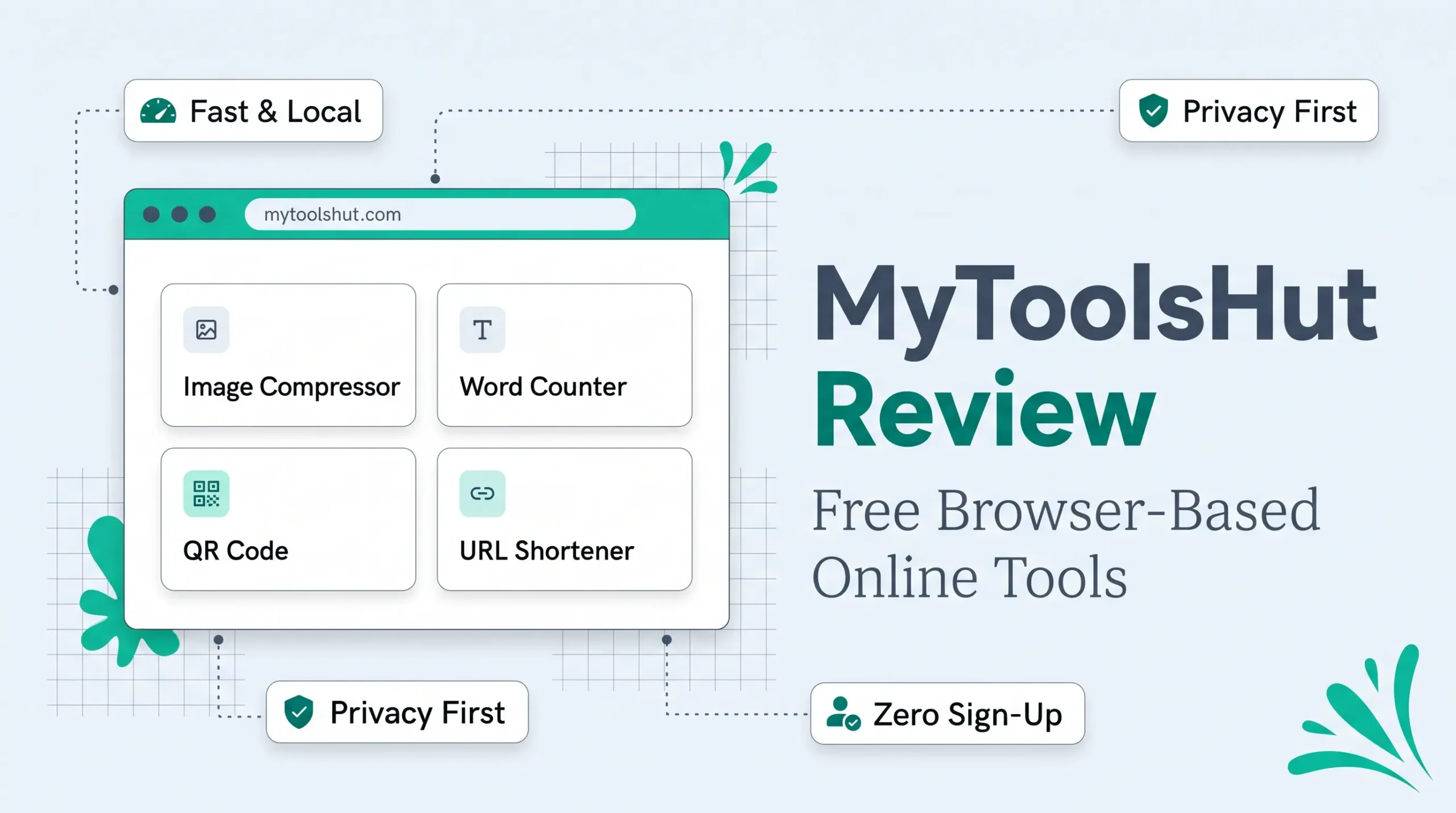
Finding reliable online utilities without dealing with aggressive popups, mandatory sign-ups, or privacy concerns can be frustrating. MyToolsHut is a free browser-based online tools platform built to solve everyday image, text, SEO, developer, and utility tasks quickly and safely.
Whether you are a blogger, content creator, student, marketer, or developer, having fast tools in one clean dashboard saves time and keeps your workflow smooth.
What Is MyToolsHut?
MyToolsHut is an all-in-one web utility hub offering over 12+ high-speed free tools organized into clear categories. A major highlight of the platform is its focus on client-side (local browser) processing for supported tools, meaning your images, text, and generated data run directly inside your browser rather than waiting in slow server queues.
With instant search (including a quick ⌘K command bar) and zero registration requirements, users can open a tool and get results in seconds on both desktop and mobile devices.
Key Platform Features & Highlights
- 100% Client-Side Processing on Core Tools: Image compression, image resizing, format conversion, word counting, QR code generation, password creation, JSON formatting, and unit conversions run locally in the browser for fast performance and strong file privacy.
- No Sign-Up or Paywalls: Every public tool is free to use right away without creating an account or hitting usage walls.
- Fast Search & Clean Interface: A distraction-free dark/light-ready UI with instant tool filtering makes finding the right utility straightforward.
- Helpful Guides & FAQs on Tool Pages: Each utility includes clear usage steps, key feature notes, and answers to common questions so new users understand how the tool works.
- Mobile-Friendly Design: Responsive layouts and touch-friendly controls make quick edits possible on smartphones and tablets.
Complete Breakdown of Tools & Categories
MyToolsHut organizes its utilities into dedicated categories so creators and technical users can jump straight to what they need:
1. Image Tools (Local Browser Processing)
- Image Compressor: Compress JPG, PNG, and WebP images directly in the browser with live preview, quality control, and file-size savings stats.
- Image Resizer: Resize images using custom pixel dimensions, percentages, or social media presets while keeping aspect ratios locked.
- JPG to PNG Converter: Convert JPG/JPEG files to lossless PNG format in batch without server uploads.
- PNG to JPG Converter: Turn PNG images into lightweight JPG files with adjustable quality settings.
2. YouTube & URL Tools
- YouTube Thumbnail Downloader: Grab publicly available thumbnails (such as HD, HQ, and high-resolution previews) from YouTube video or Shorts links for reference or design planning.
- URL Shortener: Create clean short links (such as
mytoolshut.com/s/code) with custom aliases, click tracking stats, and QR code support.
3. Text, SEO, Developer & Utility Tools
- Word & Character Counter: Track words, characters (with or without spaces), sentences, paragraphs, estimated reading/speaking time, case transformations, and extra space cleanup.
- Meta Tag & Open Graph Generator: Build SEO meta tags, Open Graph tags, and Twitter Card tags with live search and social preview feedback.
- JSON Formatter & Validator: Beautify, minify, and validate JSON data with syntax highlighting and error details (alongside developer helpers like Base64 encoding/decoding).
- Unit & Measurement Converter: Convert length, weight, temperature, and digital storage units in real time.
- QR Code Generator & Password Generator: Generate custom QR codes (URL, text, WiFi, contact info) in PNG/SVG formats and create strong random passwords with customizable length, character sets, and ambiguous character filtering.
4. Upcoming PDF Tools
A PDF Tools section is also part of the directory roadmap for merging, splitting, compressing, and converting PDF files as new utilities roll out.
Who Benefits Most from MyToolsHut?
- Bloggers & Website Owners: Optimize images before uploading to speed up page loads, generate SEO/Open Graph meta tags, and count article words or reading time.
- YouTubers & Social Media Creators: Check thumbnail previews, resize graphics for social platforms, and share clean shortened links.
- Developers & Students: Format JSON payloads, test unit conversions, generate strong passwords, and create QR codes without installing heavy software.
AdSense & User-Friendly Design Perspective
From a publisher and user-experience standpoint, MyToolsHut follows practical best practices: clear navigation, helpful on-page explanations and FAQs, fast load times, privacy-friendly local processing, and transparent legal/policy pages (Privacy Policy, Terms of Service, Cookie Policy, Contact, and About). Keeping tool pages genuinely useful with clear instructions and avoiding cluttered ad placements helps maintain both strong UX and publisher policy compliance.
Final Verdict
If you want fast, free, and privacy-conscious everyday web utilities in one place, MyToolsHut is well worth bookmarking. You can explore the live directory directly on MyToolsHut and try out the tools that fit your daily workflow.
Frequently Asked Questions
Is MyToolsHut free to use?
Yes, the tools listed on MyToolsHut are free to access without requiring account registration.
Are files uploaded to a server when using local tools?
Tools marked for client-side/local browser processing run directly in your browser so your files stay on your device during processing.
Can I use MyToolsHut on a mobile phone?
Yes, the interface is responsive and works in mobile browsers on Android and iOS devices.